
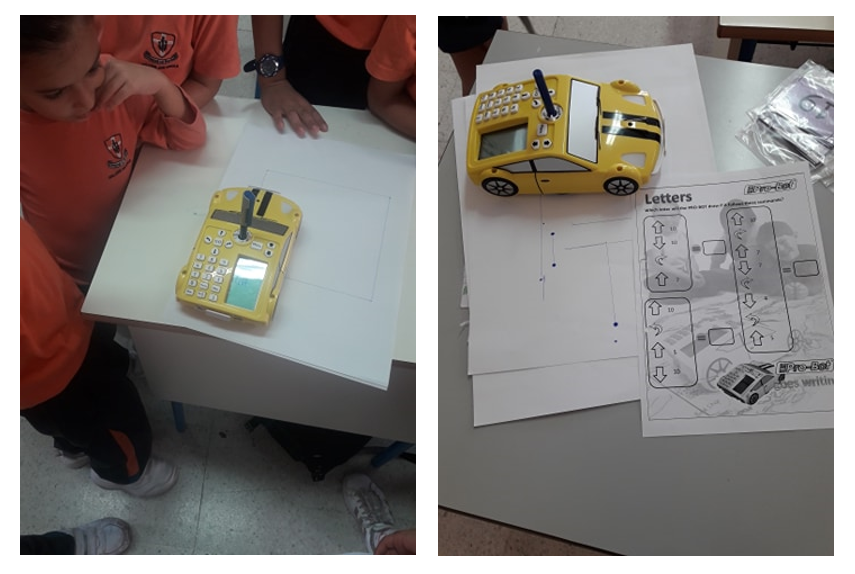
Year 4.3 used Pro-Bots during Code Week 2019. First, children were introduced to Pro-Bot. including its commands and keypad controls. Then, they got to draw simple lines and letters in small groups. Finally, they wrote the instructions to draw a square and a rectangle and tested it out on the Pro-Bot.
More Information about Pro-Bots:
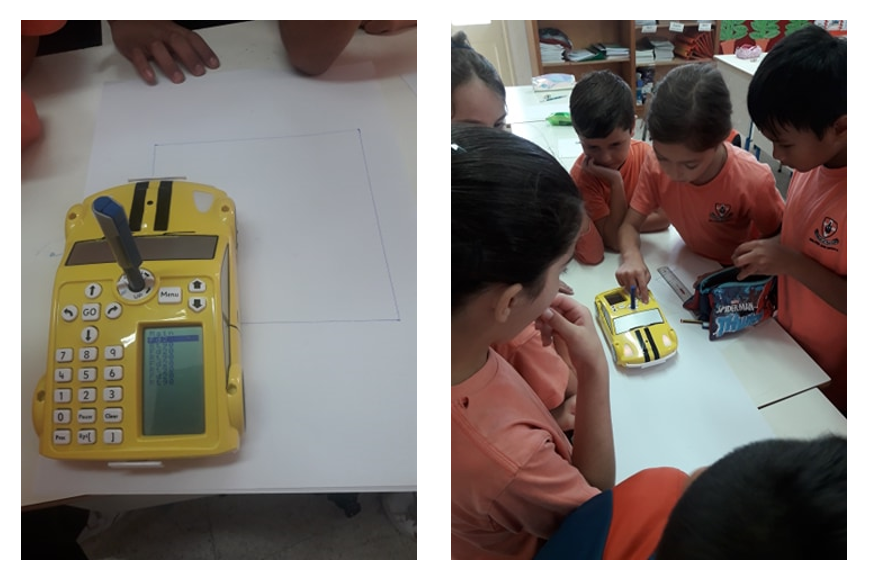
Pro-Bot is the latest in Logo technology. A turtle robot, cleverly disguised as a race car, Pro-Bot offers students an enticing, engaging, and hands-on experience with Logo programming as well as robotic controls. Pro-Bot commands are entered via a set of arrow and number keys mounted on the back. Plan a route for Pro-Bot and press the corresponding keypad controls. Press the GO button and send Pro-Bot on its way. Pro-Bot will follow the sequence of commands that were entered step by step.
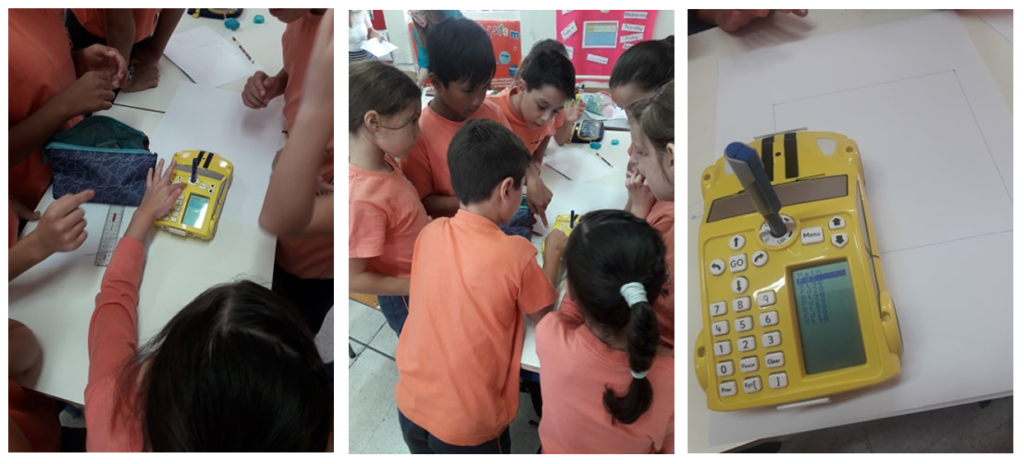
Pro-Bot operates in two modes. As “big brother” to Bee-Bot, Pro-Bot can be operated in Bee-Bot mode using only the arrow keys and GO button. Each movement and turn defaults to a set amount. In Logo mode, arrow keys can be combined with the number buttons with distances entered for movement and degrees entered for turns. Students transition easily from one mode to another as their skills develop.
The built-in LCD screen makes on-board programming easy. As keys are pressed, the equivalent Logo command appears on the screen. When Pro-Bot is sent on its way with the GO button, each command in the sequence is highlighted on the LCD screen as it is executed. Programs can be edited and altered on the LCD screen using the edit keys without having to enter the entire program again.
Pro-Bot can hold a felt-tip pen in the built-in mechanism in the center, allowing it to draw as it moves, much like the Logo turtle on the screen. A simple Pen Up / Pen Down toggle makes it easy to turn drawing on and off and reinforces the same concepts for screen drawing.
In addition to moving and turning, Pro-Bot has several built-in sensors providing a strong grounding in robotics concepts. The front and rear bumpers are touch sensors. Pro-Bot also comes equipped with sound and light sensors. Having Pro-Bot respond differently to different states of its sensors is a programming challenge and provides an exciting robotic experience.
Pro-Bot is a hands-on way to introduce Logo, a tool to encourage student collaboration, and an entry into the exciting world of robotics.
Submitted by Ms Susan Galea Ciappara, Yr 4.3 Class Teacher